The 100 Node NiFi Cluster
Apache NiFi has carved out a niche as a powerful tool for data flow automation. It is celebrated for its robust data ingestion, transformation, and routing capabilities. However, digging deeper, one can appreciate NiFi’s potential as a generic compute engine, offering a versatile platform for a variety of computational tasks.
Simple at first, its real power comes from its ability to
horizontally scale by running in clustered mode. A NiFi cluster distributes
compute by sending small units of work, called FlowFiles, to each node in the
cluster in order to divide and conquer.
Most systems will only need a 4-10 node cluster. But what would happen if you had 100 nodes?
We can perform this experiment easily using Ansible and Terraform:
Provision Infrastructure
We can use Terraform to automatically deploy 100 EC2 instances. Each instance will own one NiFi process. In addition to the NiFi nodes, we will be deploying 3 more EC2 instances to run ZooKeeper, NiFi's cluster coordinator.
All of this can be done with just a few lines of code:
// main.tf
provider "aws" {
  region = "us-east-1"
}

module "nifi" {
  source               = "zeevo/nifi/aws"
  version              = "0.2.0"
  ssh_key_name         = "nifi-ssh-key"
  ssh_public_key       = "ssh-ed25519 AAAA"
  nifi_node_count      = 100
  nifi_zookeeper_count = 3
}
We can run this file with terraform.
terraform init
terraform apply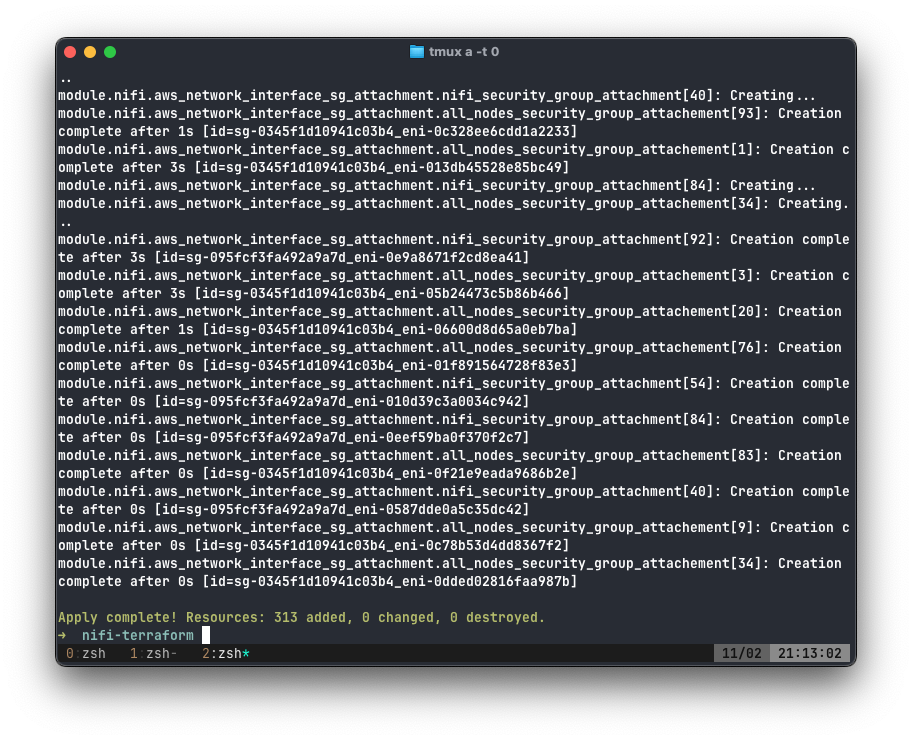
Deploy NiFi
We can use Ansible to deploy NiFi to all of our new EC2 instances at once. But first, we must configure our Ansible playbook.
By using the zeevo.nifi Ansible role, we can make deploying NiFi simple.
We need to install ZooKeeper on our ZooKeeper hosts and NiFi on our NiFi hosts. Altogether, our playbook as follows:
# cluster.yml
- name: nifi
  hosts: _nifi
  become: true
  roles:
    - zeevo.nifi

- name: zookeeper
  hosts: _zookeeper
  become: true
  roles:
    - zeevo.zookeeper
We can use the Ansible EC2 plugin to resolve our host groups to _nifi and
_zookeeper and make them available as an Inventory file.
# aws_ec2.yml
plugin: amazon.aws.aws_ec2
regions:
  - us-east-1
keyed_groups:
  - key: tags['Role']
  - key: tags['Name']
This small amount of configuration groups all hosts by their Role and Name
tag, making it easy to target large amounts of hosts at once. Remember, our
terraform will create a Role of _nifi and _zookeeper on the correct hosts
respectively.
We will need to configure the zeevo.nifi role with the correct variables from
AWS. To do this, we will make the following group_vars configuration files:
all.yml, and _nifi.yml.
# NiFi
nifi_user: admin
nifi_cluster_is_node: true
nifi_hostname: "{{ ansible_host }}"
nifi_zookeeper_connect_string: ec2-34-230-85-43.compute-1.amazonaws.com:2181
nifi_nodes:
  - dn: CN=ec2-3-83-234-106.compute-1.amazonaws.com, OU=NIFI
  - dn: CN=ec2-3-88-221-165.compute-1.amazonaws.com, OU=NIFI
  - dn: CN=ec2-3-89-30-36.compute-1.amazonaws.com, OU=NIFI
  - dn: CN=ec2-23-22-36-43.compute-1.amazonaws.com, OU=NIFI
  # - 86 lines omitted...
nifi_keystore: "{{ ansible_host }}-keystore.jks"
nifi_truststore: "{{ ansible_host }}-truststore.jks"
nifi_security_keystore: ./conf/keystore.jks
nifi_security_truststore: ./conf/truststore.jks
nifi_security_keystorePasswd: keystorepass
nifi_security_truststorePasswd: truststorepass
nifi_security_keyPasswd: keystorepass
nifi_cluster_flow_election_max_wait_time: "30 seconds"
nifi_docker_users:
  - admin

# Zookeeper
zookeeper_user: admin
zookeeper_docker_users:
  - admin
zookeeper_servers:
  - ec2-18-204-13-201.compute-1.amazonaws.com:2888:3888
  - ec2-34-229-68-198.compute-1.amazonaws.com:2888:3888
  - ec2-34-204-61-184.compute-1.amazonaws.com:2888:3888
Keystores and truststores were created by following the Manual Keystore Generation Guide.
This will create a truststore.jks and keystore.jks file for each of our NiFi
instances. Copying them to files makes them visible to Ansible.
Lastly, we need to configure our 3-node ZooKeeper cluster:
# _zookeeper_0.yml
zookeeper_name: ec2-18-204-13-201.compute-1.amazonaws.com
zookeeper_server_id: 1
# _zookeeper_1.yml
zookeeper_name: ec2-34-229-68-198.compute-1.amazonaws.com
zookeeper_server_id: 2# _zookeeper_2.yml
zookeeper_name: ec2-34-204-61-184.compute-1.amazonaws.com
zookeeper_server_id: 3This allows all three ZooKeeper instances to communicate with each other.
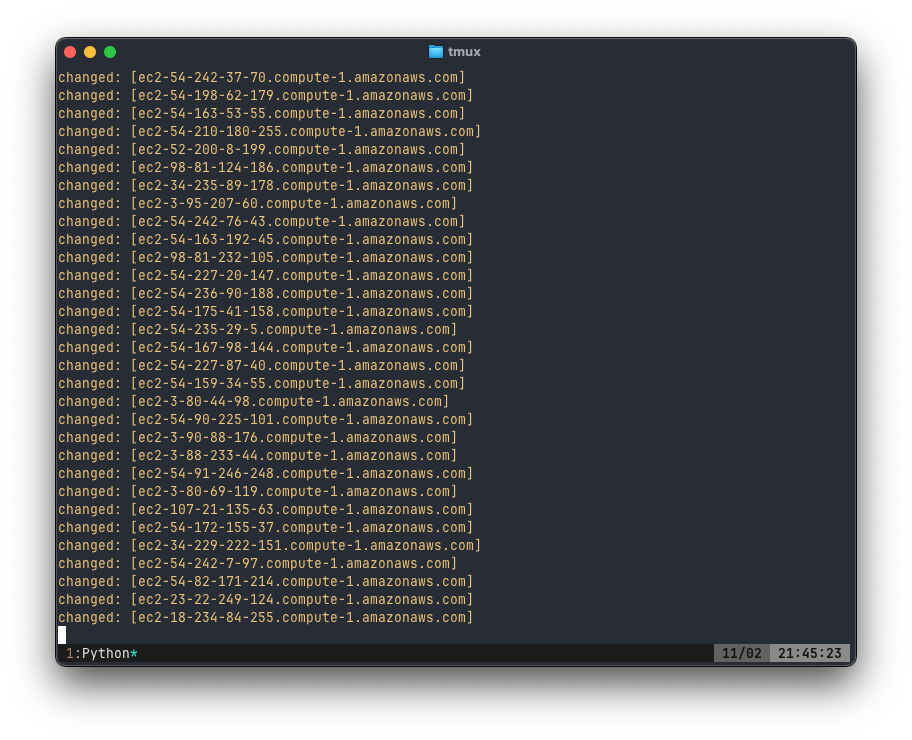
Finally we can deploy our 100-node NiFi cluster with one command.
ANSIBLE_HOST_KEY_CHECKING=false \
ansible-playbook \
  -i aws_ec2.yml \
  -u admin \
  cluster.yml
Running ansible-playbook took over 40 minutes to complete.
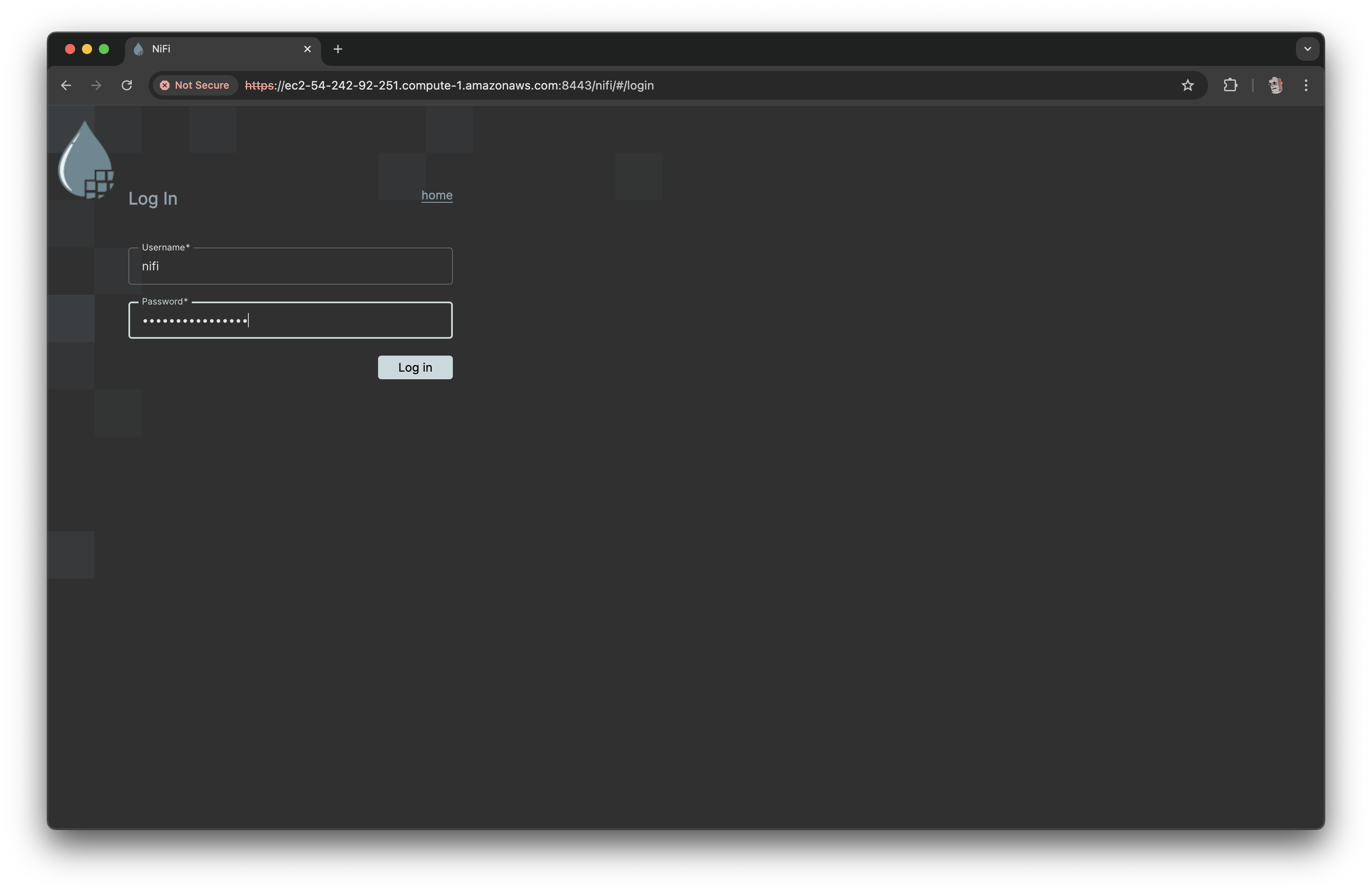
When it completes, navigating to any of the node's on port 8443 will display
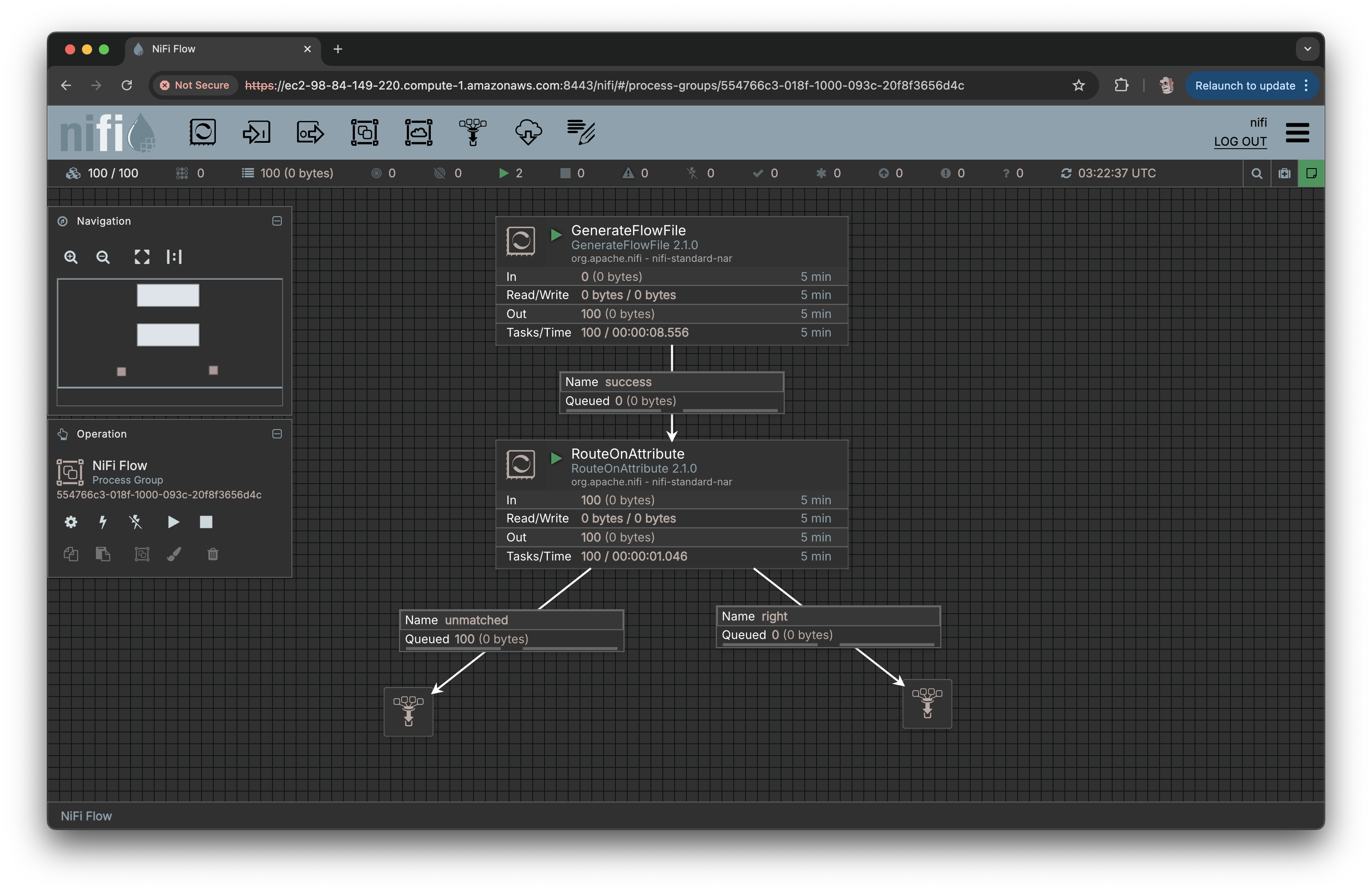
our login screen. The 100 Node NiFi cluster is a success.
NiFi Screenshots
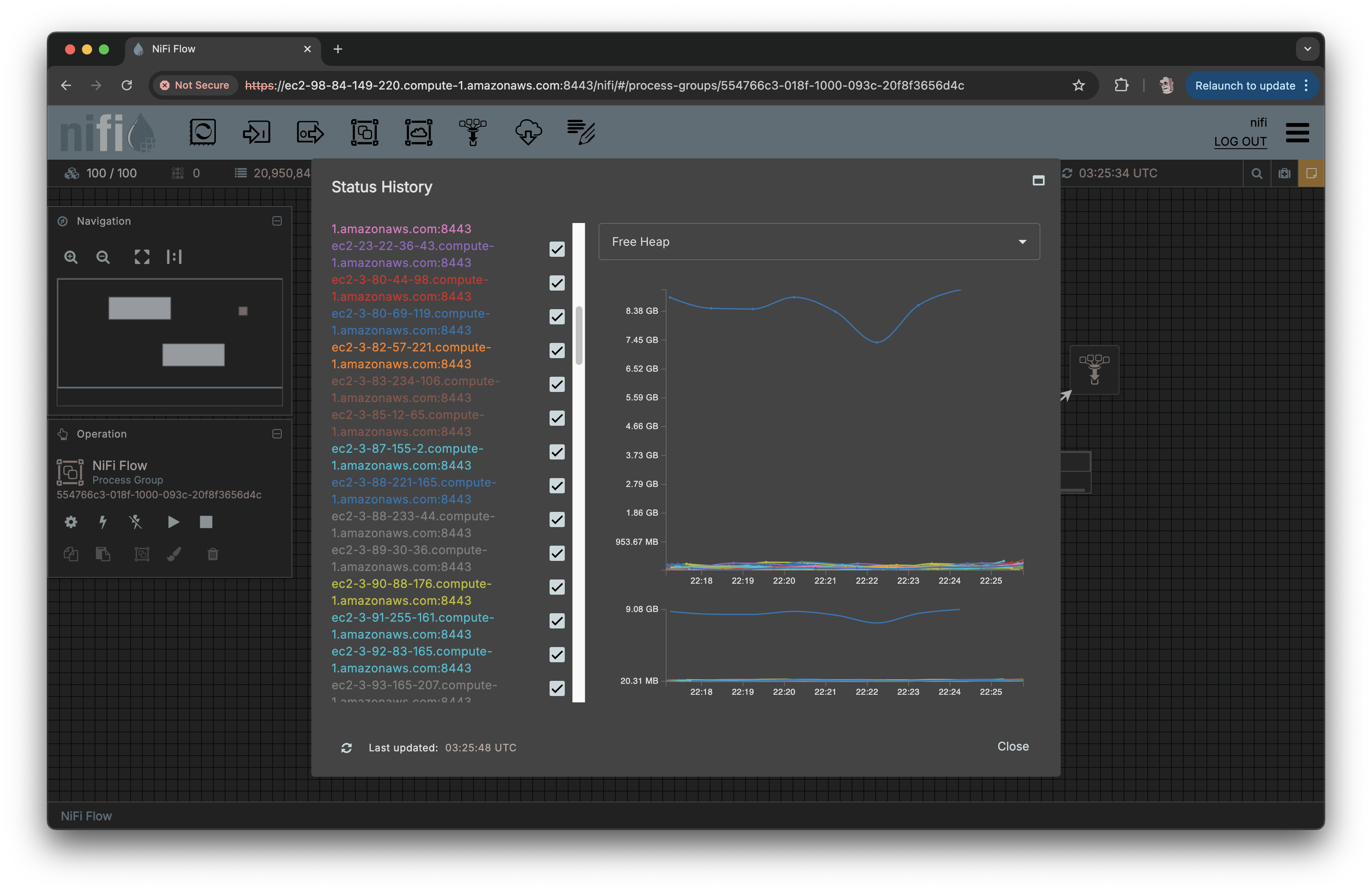
The canvas with 100/100 nodes connected.
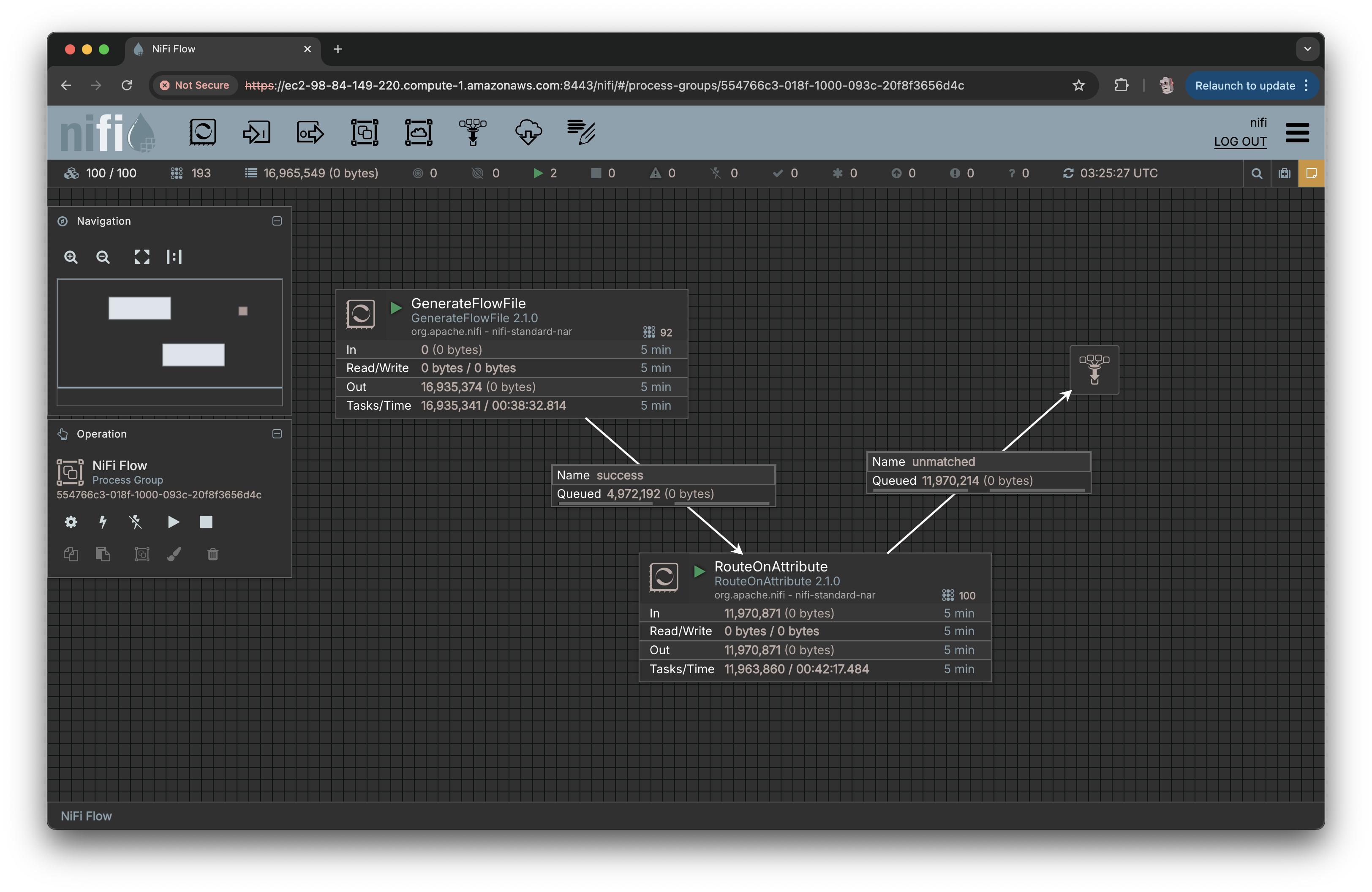
Generating millions of FlowFiles in seconds.
Status history graph. Nodes seemingly run out of unique colors.